How to Sign Government Documents Online with UAE Pass
Signing contracts, official government letters or documents used to mean printing, signing, scanning, then sending — a process full of paper and delay.
Signing contracts, official government letters or documents used to mean printing, signing, scanning, then sending — a process full of paper and delay. But in the UAE things have changed. Thanks to UAE Pass, citizens, residents and even visitors can now create a fully legal digital signature in the app and sign documents online, avoiding all that hassle. The same digital identity also lets you request digital versions of your official documents like your Emirates ID, driving licence, and labour card without visiting any service centre.
To begin, you must have the UAE Pass app installed on your Android or iOS device and have an active account. Once logged in, go to your profile and select “Reset Signing Password” where you will set up your signature credentials. You can verify your identity using your face (biometric verification) or, if preferred, via a UAE Pass kiosk. After verification, you pick a password for your signature keys. This password is used whenever you sign a document in the future.
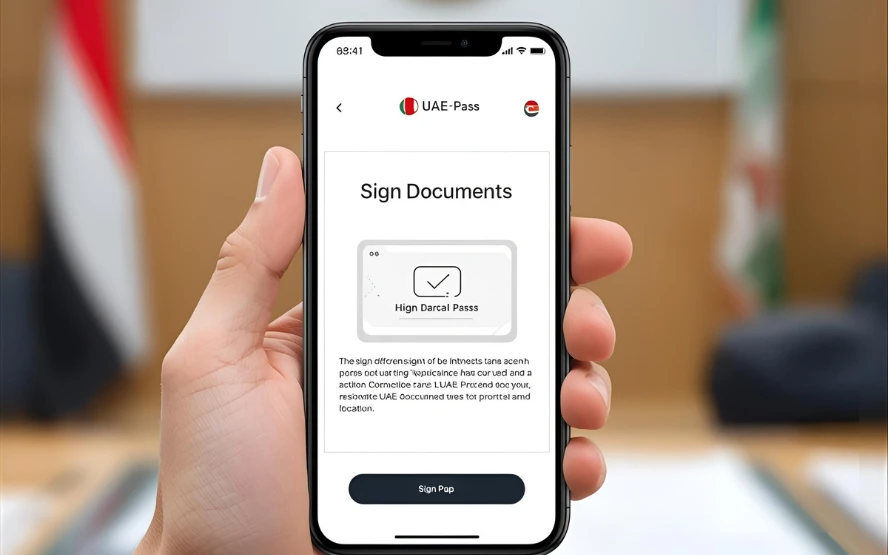
When you want to sign, go to the app’s home screen, tap on “Sign Documents”, upload your document (it must be a PDF stored on your device), and place the signature box wherever you like within the document. You’ll be asked to confirm that you’ve read the document and then enter your signing password to complete the process. Within seconds you’ll receive confirmation that the document is signed and verified.
To share or download the signed document, visit the “Documents” section, then “Uploaded” — your signed file is there for you to send wherever needed. Also, if someone sends you a document signed via UAE Pass, you can verify its authenticity right within the app using the “Verify Signature” option. Adobe Acrobat Reader will also recognize signatures created by UAE Pass as valid.
Note that the digital signature created in UAE Pass remains valid for three years. After that, you’ll need to renew or reset your signing credentials to continue signing officially.